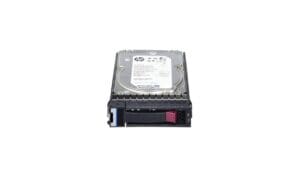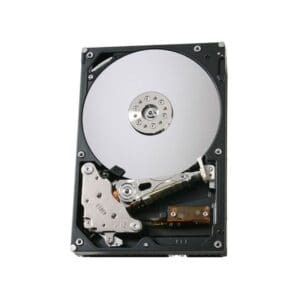
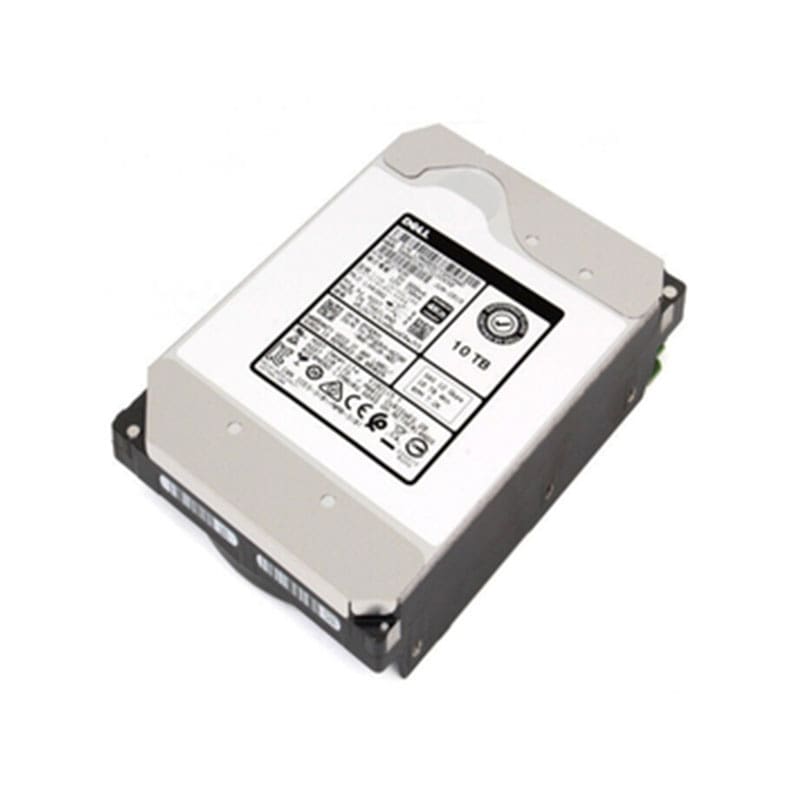
3YMV4 Dell EMC Exos X14 10TB 7.2K RPM SAS-12GBPS 4kn
Out of stock
3YMV4 Overview
Prepare the system or storage enclosure: Before installing the hard drive, ensure that the system or storage enclosure is properly powered off and unplugged.
Install the hard drive: Physically install the hard drive in an available drive bay, making sure to properly align and secure the drive in place.
Connect the data and power cables: Connect the SAS data cable(s) from the host bus adapter (HBA) or controller to the hard drive, and connect the power cable(s) to the hard drive.
3YMV4 Technical Specifications
Dell EMC Exos X14 10TB 7200 Revolutions Per Minute(RPM) Serial-Attached SCSI (SAS) 12 Gigabytes Per Second (GBPS) 4kn 3.5inch Form Factor Internal Hard Disk Drive with Tray for Server
Manufacturer: Dell
Part Number or SKU# 3YMV4
Product Type : Hard Disk Drive
Product Name : 10TB 7.2K RPM
Technical Information of 10TB 7.2K RPM Hard Disk Drive
Device Type : Hard Drive – Internal
Storage Capacity : 10tb
Interface : SAS-12GBPS
Bytes Per Sector : 4kn
Drive Dimensions : 3.5 Inch
Performance Information for 10TB SAS Hard Drive
Rotational Speed : 7200 Rpm
Data Transfer Rate : 1200 Mbps External
Expansion / Connectivity
Interfaces : 1 X Serial Attached Scsi -12GBPS
Compatible Bays : 1 X Internal – 3.5Inch
Dimension and Weight
Width : 4 Inch
Depth : 5.8 Inch
Height : 1 Inch
Weight : 1.52 Lbs